The solution to connect, collaborate, train and share knowledge

Speechi Connect gives every user access to their workspace, files, applications and tools on the interactive display. With Gynzy integrated, it also becomes a space for creation, engagement and knowledge sharing.


Discover the Advanced offer Watch the video
Speechi Connect, interactive software for interactive displays


A complete experience to unlock the full potential of the interactive display

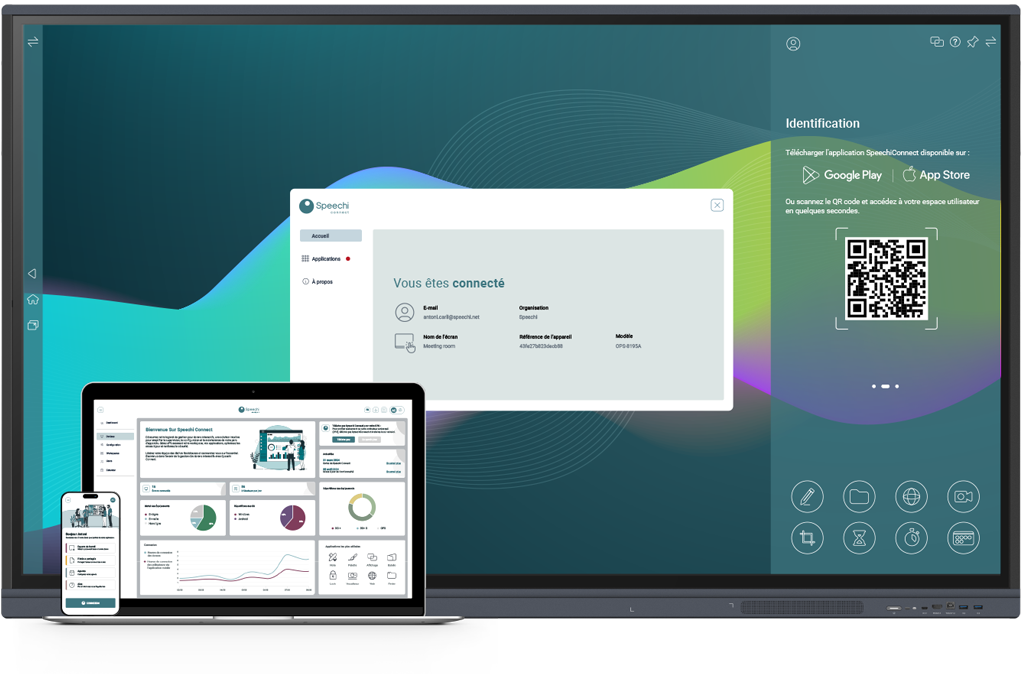
Speechi Connect brings together the essential features to use, engage with, manage and secure your interactive displays. Users log in, access their environment, create or present content, collaborate in real time, then log out without leaving any data on the display.


Connect

Access your personal workspace.

Collaborate

Share, annotate, stream and exchange ideas.

Train

Create interactive materials with Gynzy.

Share knowledge

Present, explain and engage an audience.


Your workspace
follows you on every display

Speechi Connect User turns a shared display into a personal workspace. Using a QR code, each user can access their environment, open cloud files, launch applications, share content and work freely on the display.
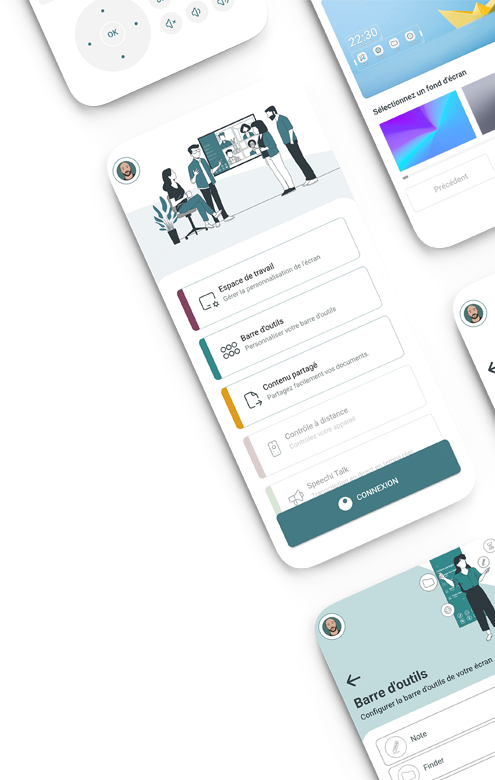


Quickly access your workspace without typing your credentials in front of a group.

Find your applications, shortcuts, files and preferences on every compatible display.

Open your Google Drive, OneDrive or Nextcloud files directly from the display.

Access your essential tools: annotation, capture, lock and focus mode.

Stream the display content to participants’ devices.

Transcribe or translate your speech live to make your exchanges more accessible.


Gynzy integrated: create, engage, involve.


Integrated into Speechi Connect, Gynzy enhances the display with an advanced whiteboard, visual tools, quizzes, resources, media and AI features. It turns a presentation, lesson or training session into an interactive experience.


Discover Gynzy

Keep control of your display fleet.

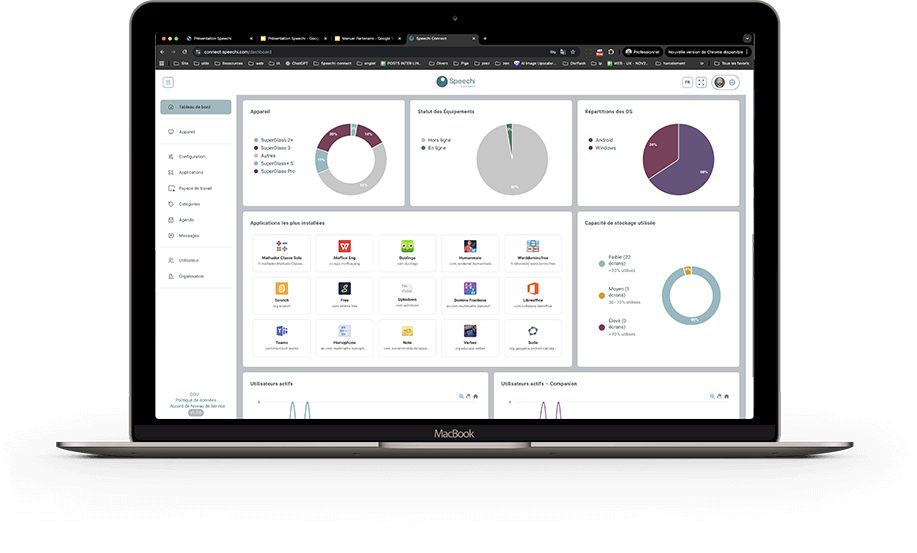
Speechi Connect Admin gives administrators the tools they need to remotely manage devices, users, applications, widgets, organizations, messages and workspaces.


Managing an interactive display fleet with Speechi Connect

Device management

Pair, configure and monitor your displays.

Workspaces

Define shared interfaces adapted to each room, site or organization.

Applications and widgets

Deploy the tools needed for each use case while keeping the interface clear for users.


Messages and alerts

Broadcast information as a banner, pop-up or full-screen message.

Startup app

Automatically launch the application or page of your choice when the display starts.

Remote control

Take action on a display without moving from your desk.


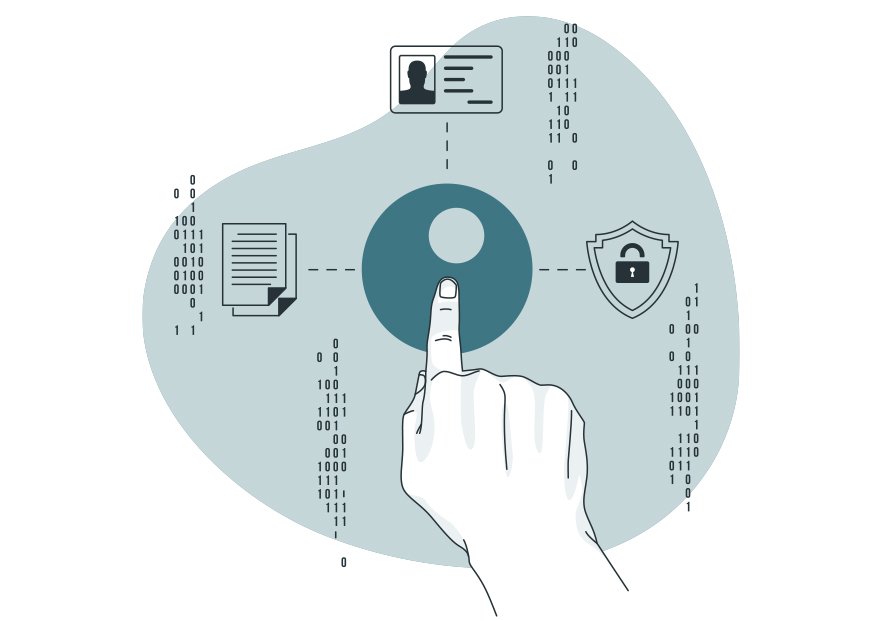
A shared display. Protected data.


  • Access via QR code, one-time code or NFC card.
  • No local data after logout
  • Cloud files remain protected
  • Secure shared use
Protected data with Speechi Connect on a touch display

An offer tailored to every organization.

Discover the different Speechi Connect offers and choose the feature level that matches your needs: user experience, interactive creation with Gynzy, centralized administration and advanced security.

Discover the Advanced offer Contact us