




Available exclusively
with the Advanced plan.

Create, lead and engage your audience with Gynzy.

With Gynzy, available with the Advanced plan, your content comes to life: advanced whiteboard, visual tools, quizzes, resources, media, annotations and AI help you teach, train, present or lead a workshop.

An interactive space for a new way to share knowledge.

Gynzy adds a complete environment to Speechi Connect for creating, presenting and leading sessions. It turns simple content display into a more active experience: write, annotate, ask questions, involve participants and keep a record of the session.


1

Create

Build visual materials with text, shapes, images, media and interactive tools.

2

Lead

Add pace to your sessions with quizzes, timers, maps, open questions or activities.

3

Reuse

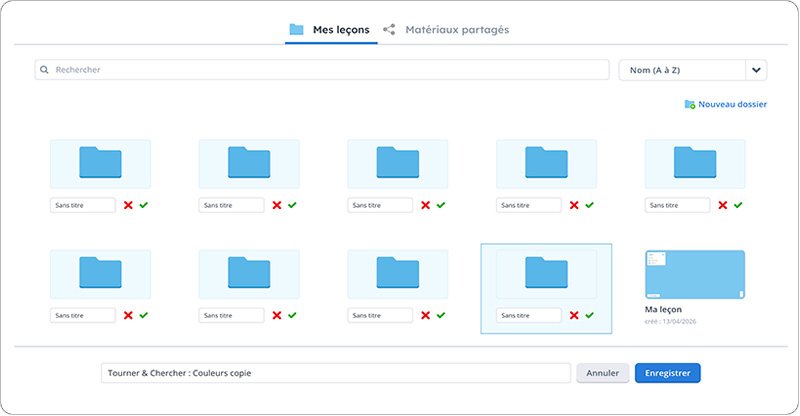
Save and organize your materials, then find them again for future sessions.


A whiteboard designed for touch displays.

The Gynzy whiteboard lets you write, draw, highlight, erase, move and organize items on a flexible canvas. It becomes the ideal starting point for a lesson, training session, creative meeting or interactive presentation.


Pen and highlighter

Turn handwriting into typed text.

Handwriting recognition

Automatically convert hand-drawn shapes into clean objects.

Movable objects

Move, resize, lock, duplicate, group or organize your elements.

Flexible canvas

Work on a large surface to structure your ideas without limits.


Turn your documents into interactive materials.

Gynzy lets you import a wide range of materials: PDFs, images, Microsoft Office files, Notebook, Flipchart or IWB files. You can then annotate, complete, structure and turn them into reusable materials.

PDFs, images, Office files and existing interactive materials.

Writing, highlighting, shapes, arrows, objects and text boxes.

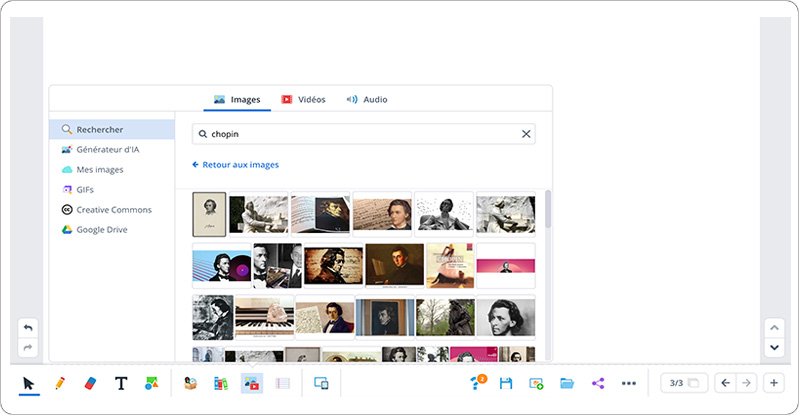
Add images, videos, audio or web content.

Build complete sequences with multiple slides.


Ready-to-use tools to pace your sessions.

Gynzy includes a large library of visual tools to explain, measure, organize, encourage participation or capture attention. These tools make the display more useful in every situation where you need to share an idea or guide a group.


Gynzy drawing tool on the Speechi Connect interactive whiteboard

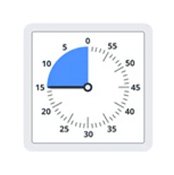
Timer

Give an activity, workshop or exercise a clear time frame.

Gynzy text tool for education with Speechi Connect

Clock

Explain a time concept or organize a sequence.

Gynzy interactive objects for connected classrooms with Speechi Connect

Mind maps

Structure a discussion or brainstorming session.

Manipulating Gynzy objects on an interactive touch display

Calculator

Show a calculation or support a demonstration.


Gynzy timer for educational activities on an interactive display

Maps and geography

Display national, regional or world maps.

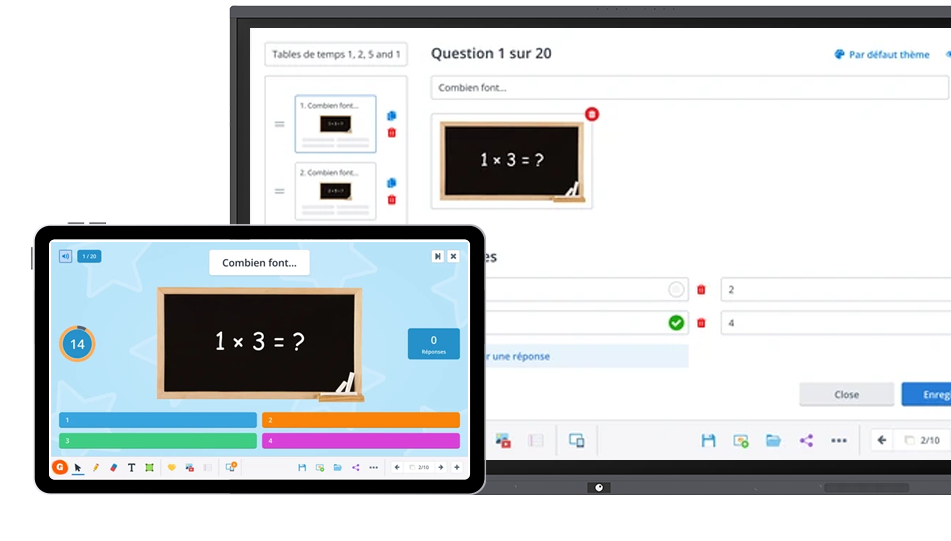
Gynzy quiz for connected classrooms with Speechi Connect

Ruler, protractor, compass

Measure, draw and explain visually.

Gynzy media in Speechi Connect interactive software

Name picker

Select a participant or group dynamically.

Gynzy AI for education on Speechi Connect interactive displays

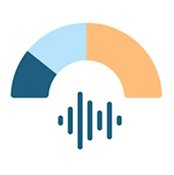
Sound level meter

Visualize the sound level in a room or group.


Engage your audience in real time.

With Gynzy, participants can join an activity from their connected device. You can ask questions, launch a quiz, collect answers and make the session more active.


  • Interactive quizzes
  • Open questions
  • Interactive sessions
  • Live lesson or session
  • Participation without an account


Gynzy connected classroom with Speechi Connect on a touch display


Save time with ready-to-use resources.


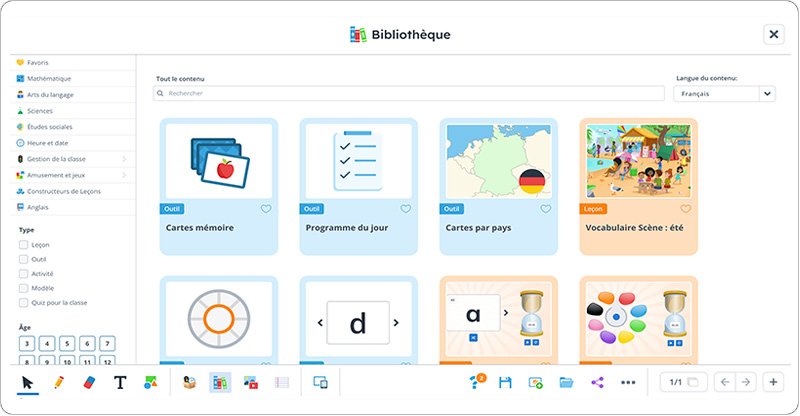
Gynzy gives access to ready-to-use templates, resources and activities. They can be used as a starting point for a lesson, training session, workshop or presentation, then customized to fit the context.

  • Gynzy resources for connected classrooms and education

    Resource library

    Materials organized by subject, age or objective.

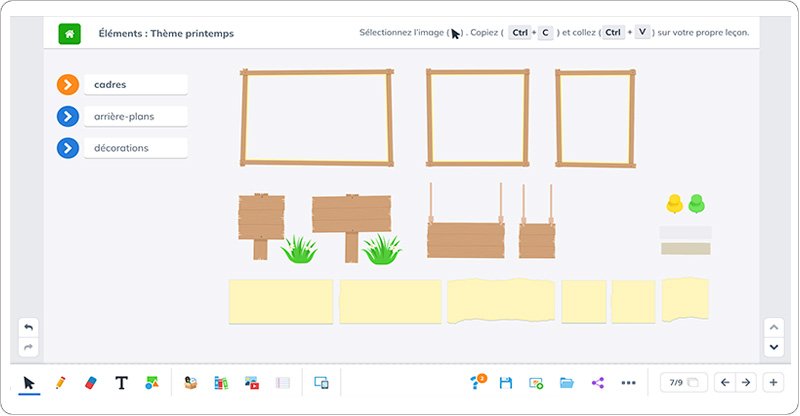
  • Gynzy templates for the Speechi Connect interactive whiteboard

    Customizable templates

    Ready-to-adapt starting points.

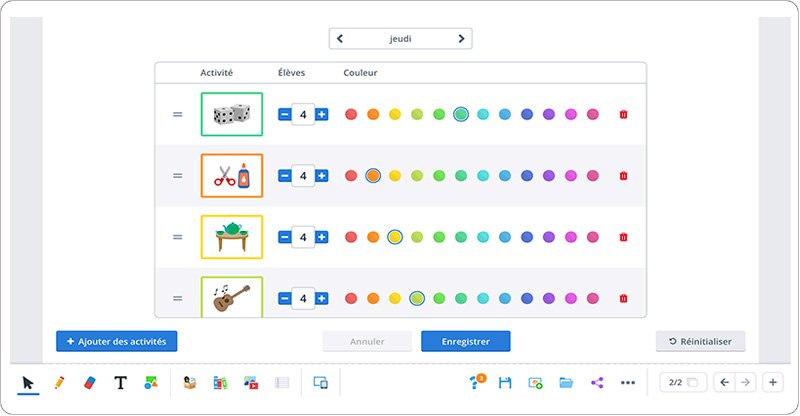
  • Gynzy interactive activities for education with Speechi Connect

    Interactive activities

    Exercises and formats to keep attention high.

  • Gynzy educational media for connected classrooms

    Online media

    Images, videos and web content you can embed.

  • Reusing Gynzy lessons for education with Speechi Connect

    Reuse

    Materials can be saved, edited and reused.

Speed up creation with AI.

Gynzy’s AI tools help create interactive content faster. In particular, they can generate images or quizzes, helping you save preparation time and vary the formats used in your sessions.

Quiz generator

Create questions with correct and incorrect answers.

Image generator

Produce visuals adapted to your material.


Text to speech

Turn written text into spoken content.

Preparation support

Vary your formats and save time when creating.


Connection to the Speechi Connect app on an interactive display

Connected to your everyday tools.

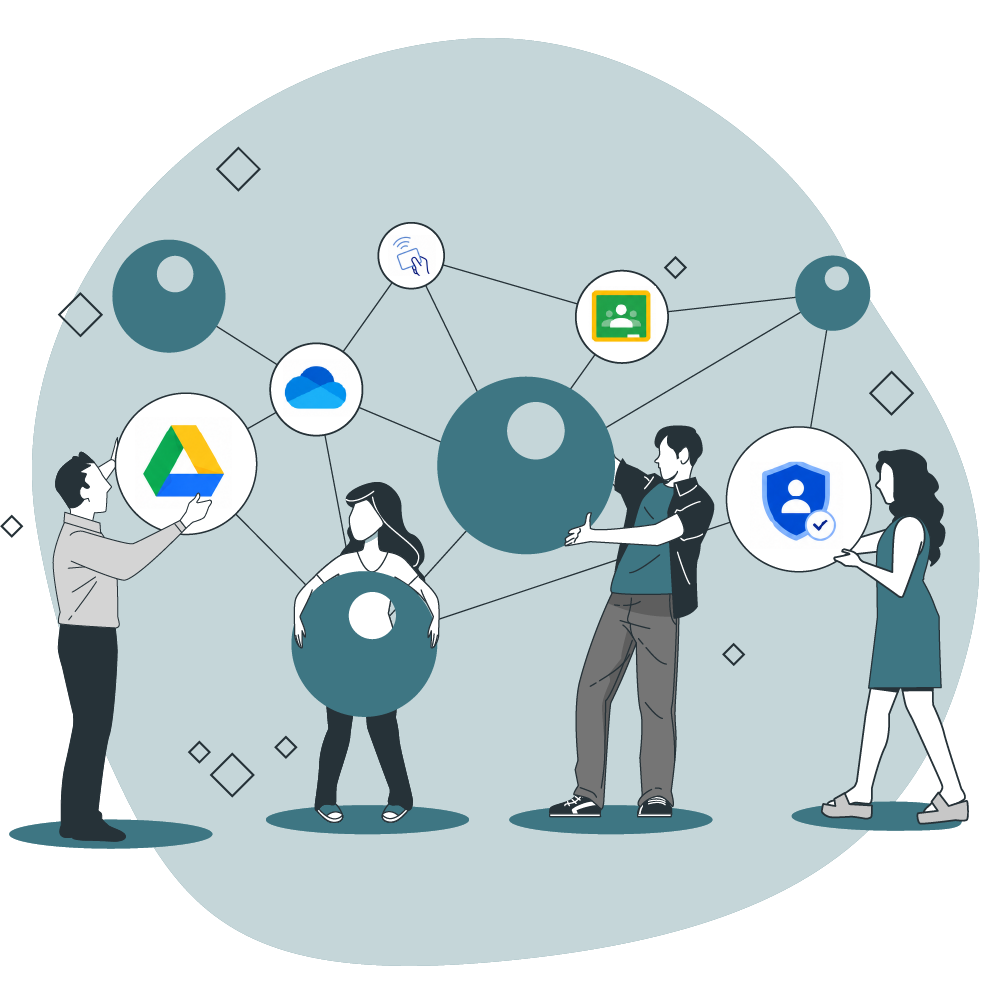
Gynzy integrates with several services to simplify access to content and sharing. Users can import from Google Drive or OneDrive, share through Google Classroom, or sign in with compatible services.


  • Sign-in through Speechi Connect
  • Google Drive
  • Microsoft OneDrive
  • Google Classroom
  • SSO OAuth
  • NFC card sign-in

Available from the display, the web or your computer.

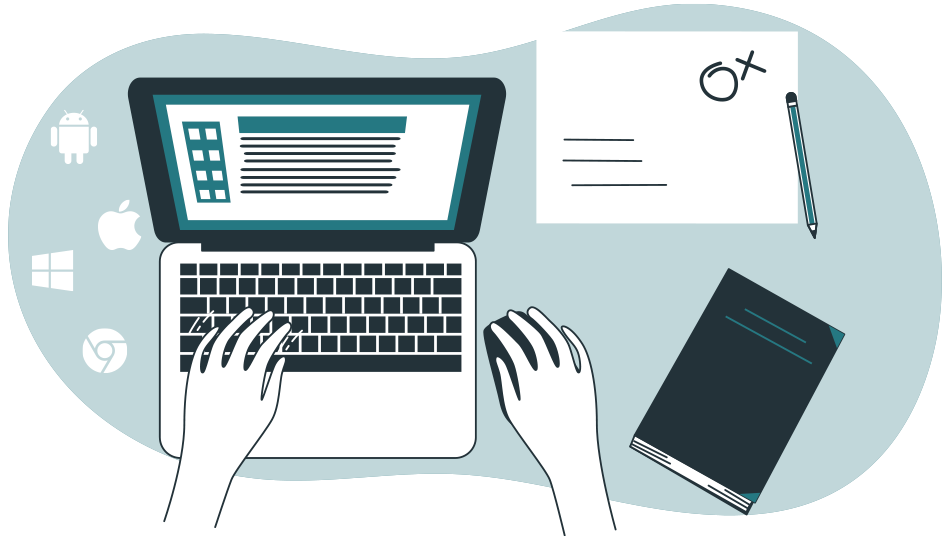
Gynzy can be used from the interactive display, an Android app, Windows, Mac, Linux, iOS, a PWA or a web version. It also works offline, so you can keep working even when the connection is interrupted.


  • Android app
  • Windows / Mac / Linux
  • Web App
  • iOS
  • Offline mode


Gynzy app integrated into Speechi Connect on an interactive display


Give your content more impact.

With Gynzy integrated into Speechi Connect, the interactive display becomes a space to create, explain, involve participants and share knowledge.

Discover the Advanced plan Contact us