Your workspace follows you on every display.

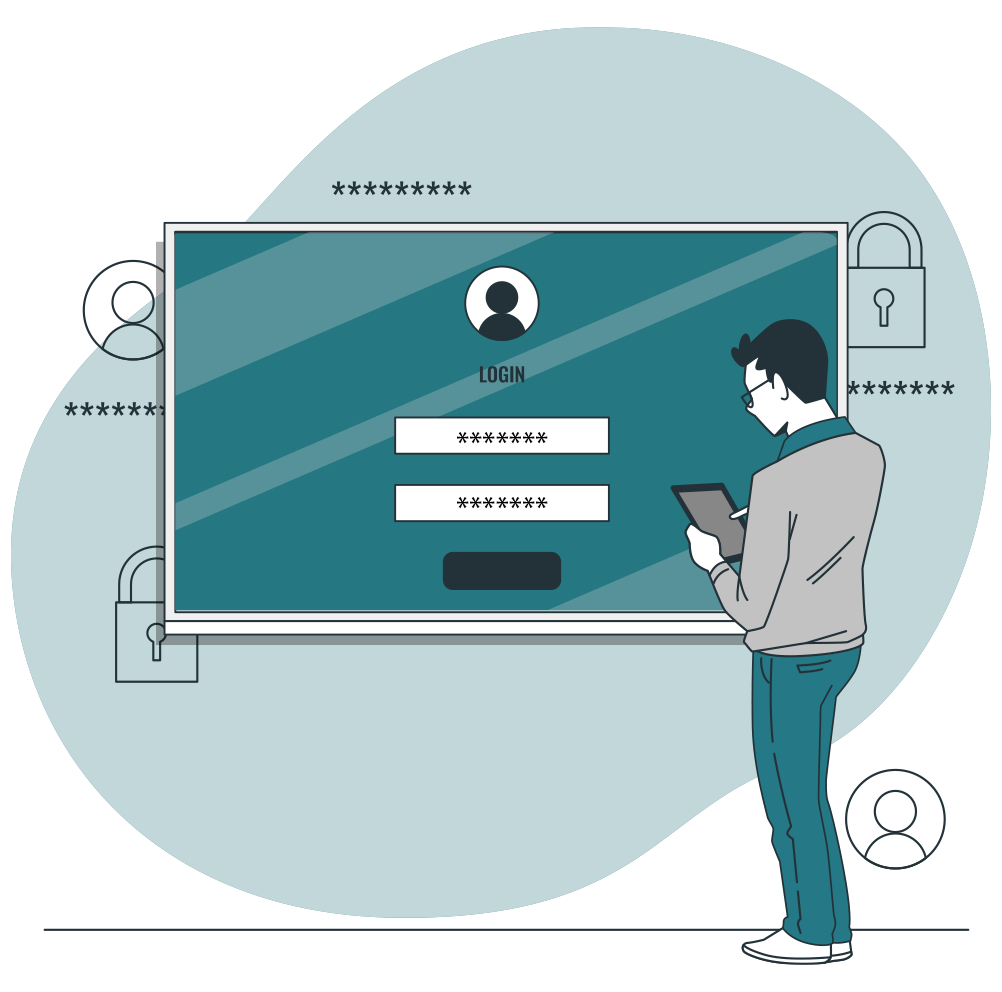
With Speechi Connect User, the interactive display becomes personal while remaining shared. Each user accesses their environment via a QR code, uses their content, runs their session, then logs out securely.

Download for Android Download for iOS

A shared display, a personal experience.

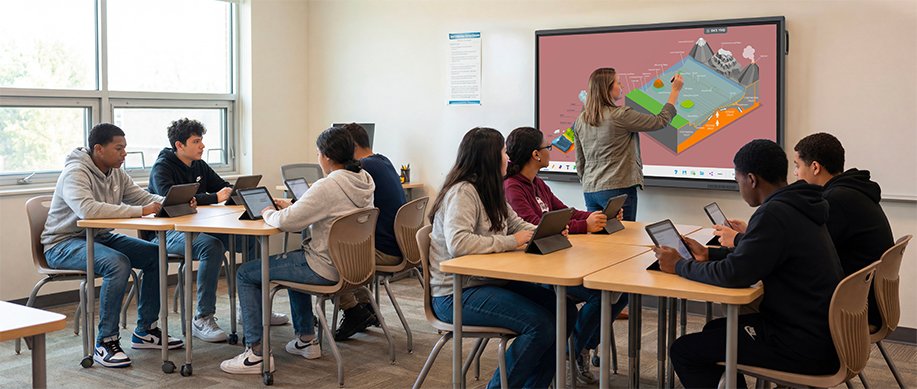
In a meeting room, classroom or training space, the display is used by several people throughout the day. Speechi Connect User lets everyone access their own environment without disrupting the shared use of the display.


1

Fast

Users log in within seconds using a QR code.

2

Simple

Files, applications and tools are all grouped in one place.

3

Secure

Once logged out, their content does not remain on the display.


Access your environment wherever you are.

Speechi Connect User lets every user personalize their environment. They can access their favorite applications, web shortcuts, wallpaper, files and essential tools, whatever display they are using.


Quick access to everyday tools.

Direct access to platforms, intranets, business tools or educational resources.

Documents, images, videos or links available on the display.

A workspace adapted to each user’s habits.

Speechi Connect cloud for interactive displays in education

Access your Google Drive, OneDrive or Nextcloud documents without leaving them on the display.

With Cloud Connect, users access their cloud files directly from the interactive display. They can open, present and annotate documents while keeping the originals protected.


Files are available from the display, with no USB stick or complicated transfer required.

Annotations do not alter the original files.

No data is stored locally after logout.

Stream the display to participants’ devices.

With Stream, the content shown on the interactive display is mirrored to participants’ devices. They can follow more easily, capture important information and take notes during the session.


Speechi Connect Stream for connected classrooms on an interactive touch display

Better visibility

Each participant can follow the content from their own device.

More interaction

The display becomes a shared broadcasting point.

Easier note-taking

Participants can capture or keep important elements.


Speechi Talk transcription on an interactive display for education

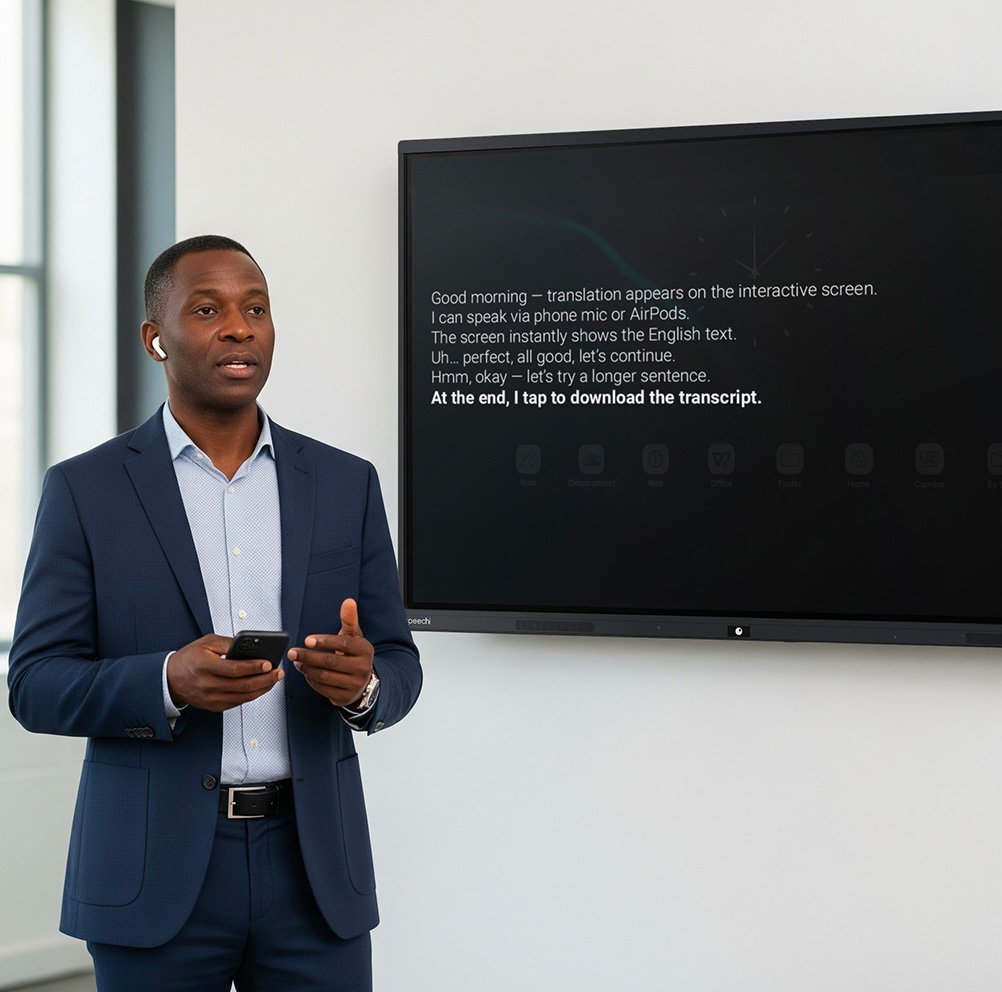
Add live subtitles to your speech.

With Speechi Talk, spoken words are transcribed on screen as subtitles. The transcription can be displayed in the spoken language or in another language to make it easier for the whole audience to understand.


  • Training
    Support spoken explanations with live written text.
  • International meeting
    Make communication easier between participants speaking different languages.
  • Education
    Help students follow instructions and explanations more easily.
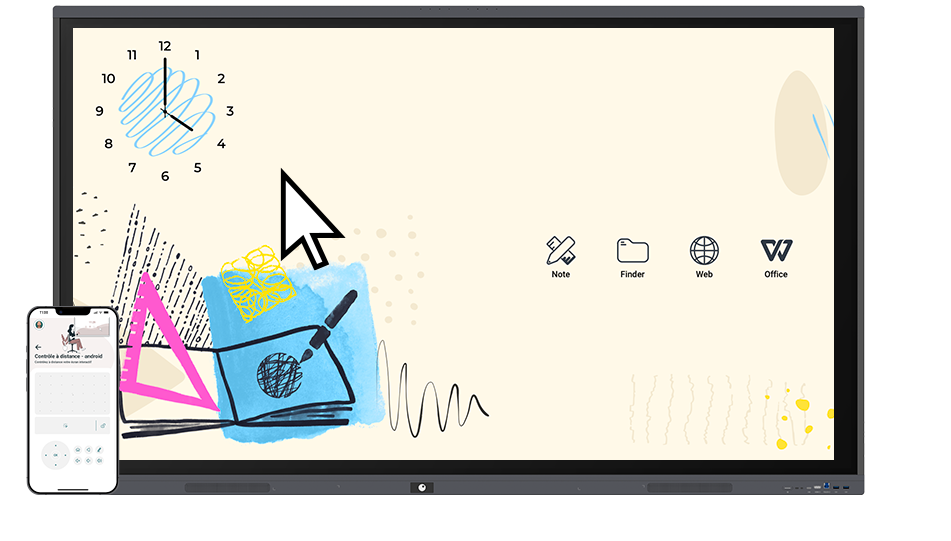
View your schedule and launch a video call in one click.

The integrated calendar lets users access their appointments directly from the display. In a meeting room, they can launch a video call quickly, without wasting time looking for a link or setting up the display.


Smoother meetings

The schedule is accessible from the interface.

One-click video call

Users can join meetings faster.

Fewer steps

The display becomes immediately useful at the right moment.


Control the display from your smartphone.

The interactive remote control lets users manage certain settings directly from their smartphone. They can control the display more freely during a presentation, training session or lesson.


  • Users can move around the room.
  • Key actions on a smartphone.
  • The session stays smooth, without interruption.


Speechi Connect remote control on a classroom tablet for an interactive touch display


Speechi Connect vault on an interactive touch display for education

Access your services without having to remember all your passwords.

The vault makes it easier to access everyday services. Users can access protected files or web platforms without having to remember and re-enter their passwords for each session.


  • Less friction
    Faster access to frequently used services.
  • Better user experience
    The display becomes easier to use in a shared environment.
  • Work continuity
    Protected tools remain accessible from the personal workspace.

Compare the features included in each plan.


Whiteboard

FeatureStarterAdvanced
WhiteboardBasicGynzy
Write, draw, text, 2D/3D objectsIncludedIncluded
Drawing tools510
Educational tools15>100
Educational content5>100
MediaNot includedAd-free
Connected classroom / student interactionNot includedIncluded
AI features: content generation, quizzes, text-to-speechNot includedIncluded
Google ClassroomNot compatibleCompatible

User experience

FeatureStarterAdvanced
Calendar accessIncludedIncluded
Widget managementIncludedIncluded
App storeIncludedIncluded
Companion appIncludedIncluded
Remote controlIncludedIncluded
VaultIncludedIncluded
Windows OPS interfaceIncludedIncluded

Collaboration and engagement

FeatureStarterAdvanced
Streaming2 h / display / month25 h / display / month
Talk — transcription1 h / display / month5 h / display / month

Cloud and storage

FeatureStarterAdvanced
Drive accessSpeechiDriveSpeechiDrive + Google Drive + OneDrive + Nextcloud
Cloud storage1 GB / display / month20 GB / display / month
Storage duration5 jours365 jours

Your workspace, on every display.

With Speechi Connect User, every interactive display becomes an access point for your content, tools and ideas.

Discover the Advanced plan Contact us