
Keep control of your interactive display fleet.

With Speechi Connect Admin, you manage your displays, users, applications, workspaces and communications remotely. Each display can be adapted to its usage context while remaining controlled, secure and easy to operate.

Access the admin console

A single console to manage all your displays.

In a school, a company or a multi-site organization, each display may serve different purposes. Speechi Connect Admin centralizes fleet configuration and management to avoid manual settings, uncontrolled usage and repeated on-site interventions.


1

Centralize

Manage devices, users, organizations and settings from a single interface.

2

Standardize

Deploy consistent configurations according to rooms, sites or use cases.

3

Secure

Control permissions, available applications and displayed content.


View your fleet at a glance.

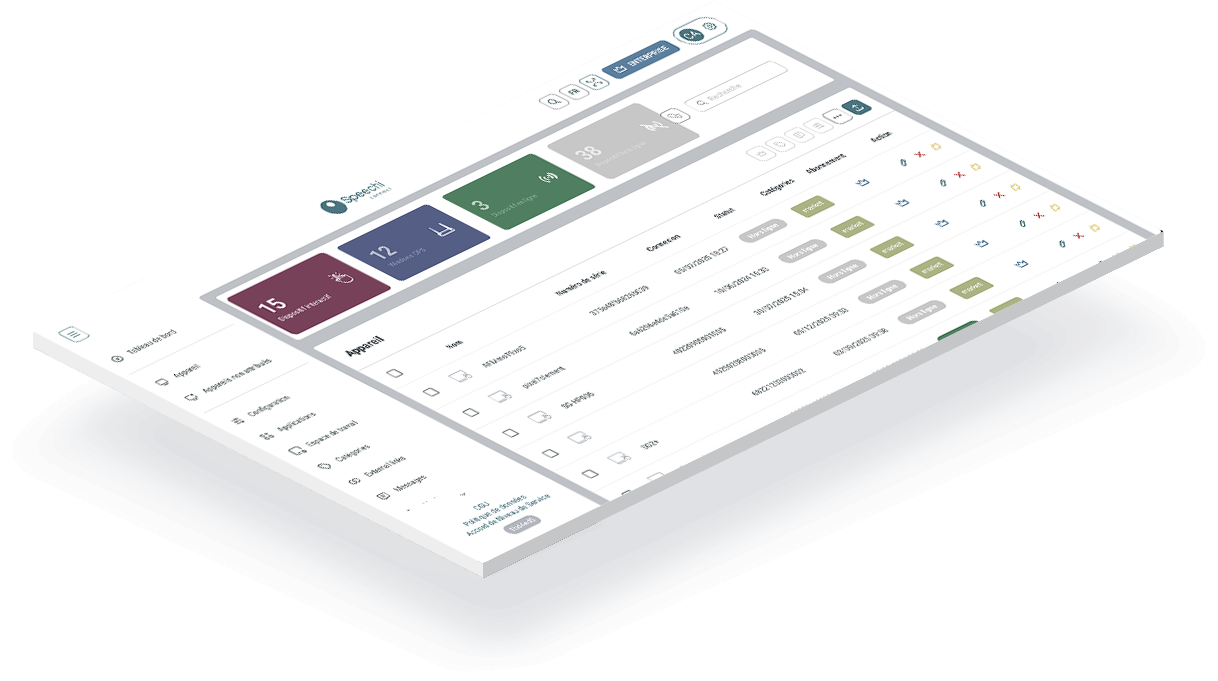
The dashboard provides an overview of the display fleet. It helps you quickly identify connected devices, user activity and how displays are distributed across the organization.

Number of displays, overall status, distribution and activity.

Quickly identify available displays or those that need checking.

Track usage and logins.

View by organization, site, building or room.

Configure your displays remotely.

Speechi Connect Admin lets you add and manage your organization’s interactive displays. Each device can be assigned to an organization, configured with specific settings and prepared for the expected uses in its room or site.


Speechi Connect MDM DMS dashboard for interactive displays

Display pairing

Easily add a display to your organization.

Device settings

Configure useful options according to usage.

Remote configuration

Prepare displays without repeated manual intervention.

Assignment to an organization

Organize displays by site, department, building or room.

Status monitoring

Quickly identify available displays or those requiring action.

Speechi Connect user administration on an interactive display

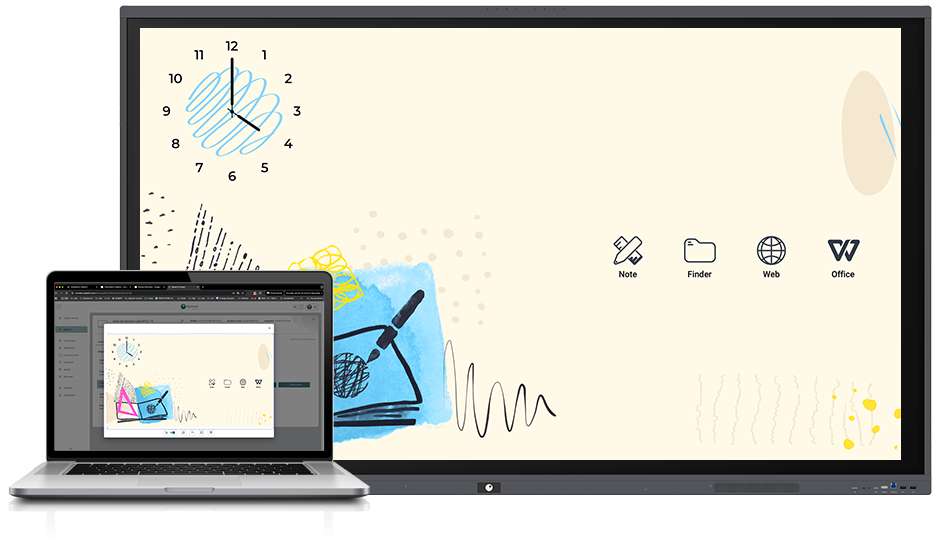
Deploy workspaces tailored to each use case.

Workspaces define what users see when they arrive on the display. You can create a shared environment for the organization, tailored to a room, department or specific use case.


Adapt the display to your organization’s identity.

Choose which apps are visible and accessible.

Add useful elements such as the agenda, Wi-Fi code, weather or quick tools.

Create multiple configurations for different places or uses.

Deploy the same workspace to a group of displays.

Organize the display home screen according to your priorities.
Control which applications are available on your displays.

From the console, the administrator can choose which applications are available on the displays. This simplifies the user experience, prevents unwanted usage and provides an environment aligned with the organization’s needs.


  • Application store

    Access the applications available for your displays.

  • Authorized app selection

    Choose what users can access.

  • Application installation

    Deploy the applications required for your use cases.

  • Web shortcuts

    Add quick access to platforms, portals or business tools.

  • Environment control

    Avoid unnecessary or unsuitable applications.

  • Google Play Store access

    Install compatible apps while keeping control.


Speechi Connect MDM DMS user management interface

Manage users and their access rights.

Speechi Connect Admin makes user management easier. You can add accounts, import multiple users, assign them a status and define what they can do on the displays or in the administration console.


  • Add users
  • Bulk import
  • Statuses and roles
  • Automatic invitation
  • Platform access

Display the right information at the right time.

The Messages feature lets you communicate quickly across the whole fleet or a selection of displays. You can choose the display format, set the broadcast duration and schedule when the message appears.


Speechi Connect MDM DMS messages and alerts on an interactive display

Scheduling

Schedule broadcasts in advance.

Display duration

Control how long the message remains visible.

Display targeting

Broadcast to the whole fleet or to selected groups.


Speechi Connect public directory for interactive display fleets

Deploy documents, instructions or institutional content directly from the console.

The public directory makes selected content available on the organization’s displays. Documents can be deployed remotely and automatically restored if needed, ensuring consistent communication.


Make shared files available.

Ensure the same information across all sites.

Replace or update content from the console.

Automatically launch the application or page of your choice when the display starts.

The Startup App feature standardizes the experience from the very first second. When powered on, the display can automatically open an application, a home page, an internal portal, a video conferencing solution or educational software.


Open the selected application at startup.

Guide the user to the right entry point.

Every display starts with the same experience.

Startup application with Speechi Connect MDM DMS on an interactive display


Take action without going on site.

Remote control allows the administrator or support team to act on a display without being physically present. They can view the situation, understand an issue or assist a user more quickly.


  • Display viewing
  • Remote support
  • Faster diagnosis


Speechi Connect MDM DMS remote control for interactive displays


Speechi Connect MDM DMS multi-site organization for interactive displays

Structure your fleet according to your real organization.

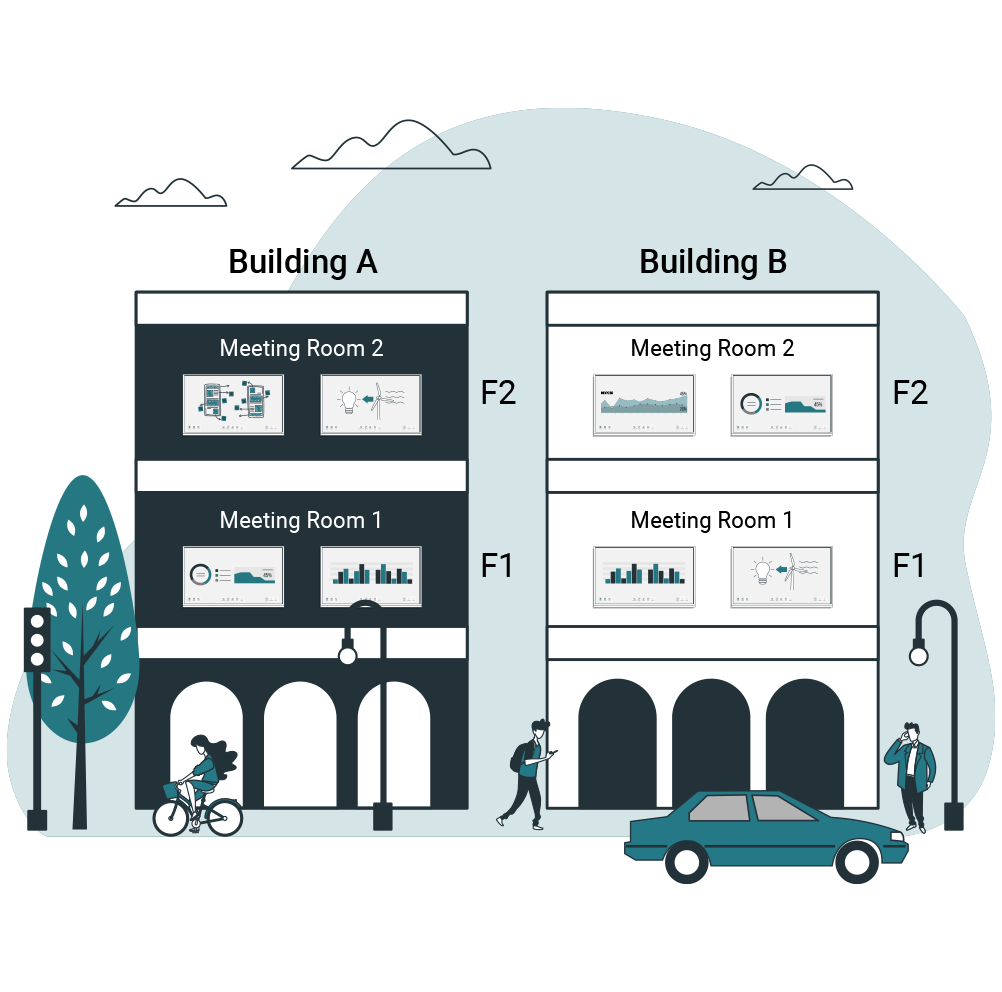
Organization management allows Speechi Connect to fit your internal structure. You can separate displays by schools, sites, buildings or departments, then apply settings tailored to each group.


  • Multi-organization
    Create as many organizations as needed.
  • Display assignment
    Assign each display to a specific structure.
  • Differentiated configurations
    Adapt settings to local needs.

Compare the features included in each plan.

Administration

FeatureStarterAdvanced
Device managementIncludedIncluded
Message sendingNot includedIncluded
CategoriesNot includedIncluded
ConfigurationsNot includedIncluded
Remote controlNot includedIncluded
Command consoleNot includedIncluded
Sub-organizationsNot includedIncluded
SSONot includedIncluded

Templates and dashboards

FeatureStarterAdvanced
Templates10Unlimited
Dashboard4Unlimited

Manage your displays with more simplicity and control.

With Speechi Connect Admin, your interactive display fleet becomes easier to configure, customize, monitor and secure.

Discover the Advanced offer Contact us